
Neospin Casino Mobile App

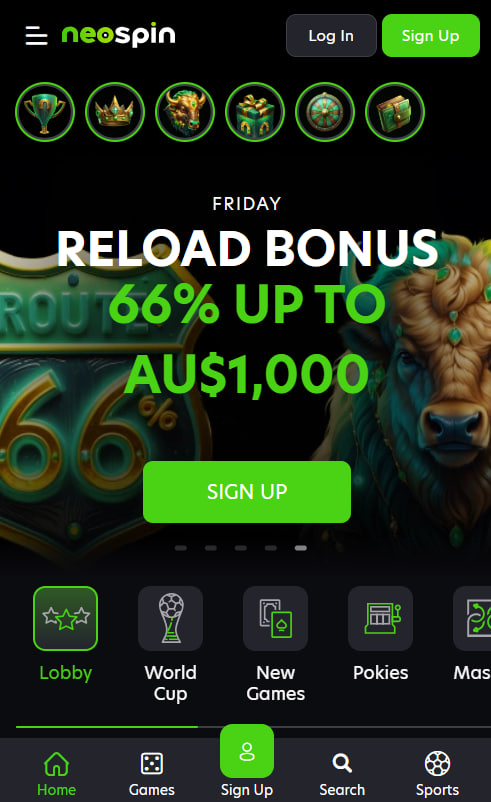
Neospin Casino delivers its full Australian gaming experience through a Progressive Web App rather than a native iOS or Android application in the App Store or Google Play. The PWA installs directly from the browser in under sixty seconds, occupies roughly five to ten megabytes on the device, and updates automatically. Once added to the home screen, the application opens in full-screen mode, supports biometric login on both major platforms, and grants direct access to all 8,000+ titles, the cashier, and 24-hour live chat. The walkthrough below covers installation on iPhone and Android, system requirements, and troubleshooting steps.
What a Progressive Web App Means for Players
The Progressive Web App format combines website convenience with native-app behaviour. After installation, the application runs in its own window, caches resources for faster load times, and supports push notifications. No App Store or Google Play download is required, which means the application cannot be removed under platform-side gambling policy changes — a recurring issue for native casino apps in the Australian market.
Three pragmatic advantages favour the PWA distribution model:
- Storage footprint between 5 and 10 megabytes, versus 100+ megabytes for typical native casino apps
- Automatic updates without manual app-store interaction or download prompts
- Continuous availability regardless of store-side policies on real-money gambling content
Installation Guide for iPhone (iOS 15 and Newer)
Installation on iOS requires Apple's Safari browser. Other browsers on iPhone and iPad — including Chrome and Firefox iOS — share Safari's underlying WebKit engine but lack the Add to Home Screen capability for Progressive Web Apps. Attempting installation through Chrome iOS will not produce an installable app icon.
The five-step Safari installation process:
- Open Safari and navigate to the Neospin Casino home page
- Tap the Share icon in the bottom toolbar (the square with an upward arrow)
- Scroll through the share sheet and select Add to Home Screen
- Confirm the application name and tap Add in the top-right corner
- Return to the home screen and tap the newly added Neospin Casino icon
The application launches in full-screen mode without browser chrome on first open.
Installation Guide for Android (8.0 and Newer)
Android installation works across Chrome, Samsung Internet, Firefox, and Microsoft Edge. Chrome typically displays an automatic Install banner when the player visits the home page for the first time on a mobile device. If the banner does not appear, manual installation is straightforward.
The four-step Android installation process:
- Open Chrome or Samsung Internet and navigate to the Neospin Casino home page
- Tap the three-dot menu icon in the upper-right corner of the browser
- Select Install App or Add to Home Screen from the dropdown menu
- Confirm by tapping Install in the prompt window
Once installed, the application appears in the device's app drawer alongside native applications and behaves identically — full-screen launch, isolated session data, and integration with the system notification panel.
Application Features for Australian Players
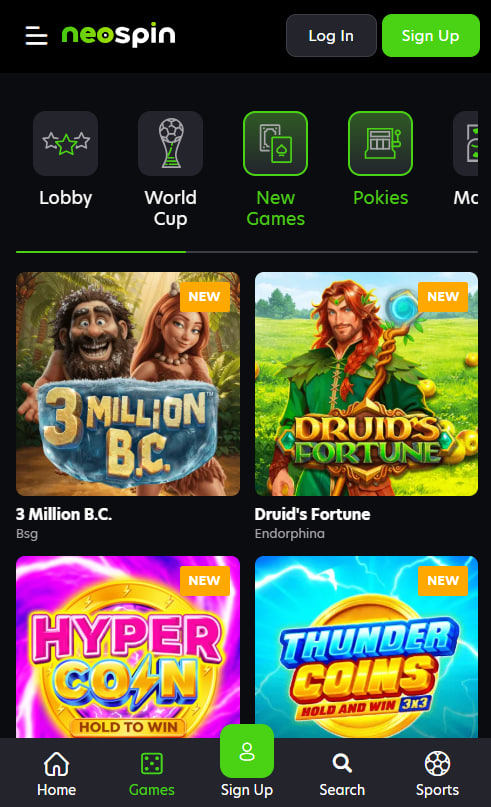
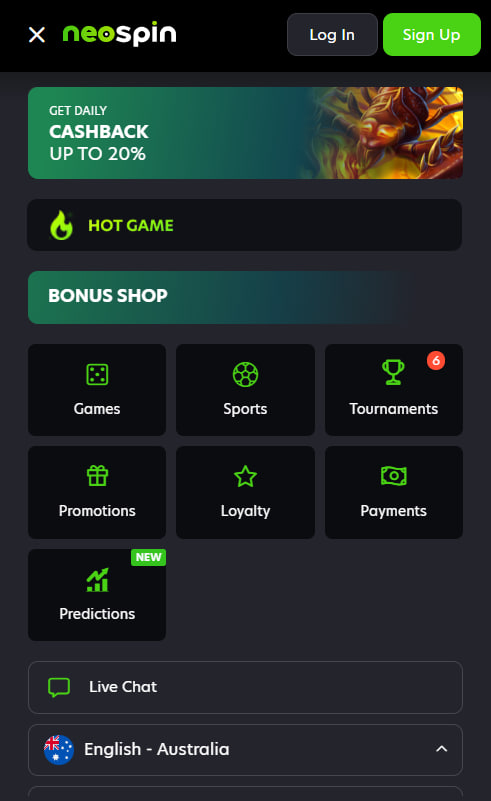
The mobile application replicates desktop functionality without compromise. All 8,000+ titles, the full cashier, live chat, and account settings are accessible from the same interface.
Feature highlights specific to the mobile experience:
- Biometric authentication via Face ID on iPhone and fingerprint sensors on Android
- Push notifications for tournament leaderboards, bonus drops, and pending withdrawal updates
- Mobile-optimised cashier supporting AUD and all eleven supported cryptocurrencies
- Direct access to 24-hour live chat for support enquiries and KYC document upload
- Lobby filtering by provider, game type, and recently played titles
- Single login credentials shared with desktop, with biometrics replacing password entry after first sign-in
The full bonus catalogue, including welcome codes detailed on the bonus page, activates identically from the mobile cashier. New players can also complete sign-up entirely from the mobile interface.
System Requirements
Compatibility extends across recent iOS and Android releases:
Minimum system requirements
| Platform | Minimum Version | Storage Required |
|---|---|---|
| iOS (iPhone, iPad) | 15.0 | 50 MB free |
| Android (phone, tablet) | 8.0 (Oreo) | 50 MB free |
| Internet connection | 4G, 5G, or Wi-Fi | — |
| Initial install browser | Safari on iOS, Chrome or equivalent on Android | — |
Older devices may still load the mobile website without installing the application; performance is comparable for casual play sessions.
Application Troubleshooting
Application Will Not Install
The most common cause on iPhone is using Chrome or Firefox instead of Safari. Switching to Safari resolves the issue. On Android, clearing the browser cache and restarting the install process resolves most failures.
Games Will Not Load
A weak mobile signal accounts for the majority of game-loading failures. Switching from cellular to Wi-Fi or vice versa often resolves the issue immediately. Removing the application and reinstalling clears the cache fully.
Push Notifications Not Working
Notification permissions must be granted at the operating-system level. iOS settings are found under Notifications and the application name; Android settings are under Apps and the Neospin Casino entry.

Imogen Holloway
Imogen Holloway writes about offshore-licensed online casinos serving Australian players at neo-spin-casinos.com, with focus on Metlait SRL operating Neospin Casino under dual Tobique Gaming Commission and Anjouan Gaming licences. Covers 8,000+ pokie catalogues from 70+ studios including Pragmatic Play, BGaming, Betsoft, Play'n GO, Hacksaw Gaming and Nolimit City, four-deposit welcome packages with NEO1-NEO4 sequential codes, sixteen-level Wheel of Fortune loyalty programmes with cash loot boxes scaling to A$10,000, tier-based daily cashback structures up to 20% on net losses, AUD-native banking through MiFinity, Neosurf and PayAnyBank alongside eleven cryptocurrencies, Progressive Web App distribution on iOS Safari and Android Chrome bypassing platform-store gambling restrictions, and BetStop national self-exclusion integration for Australian residents.